Sign Up
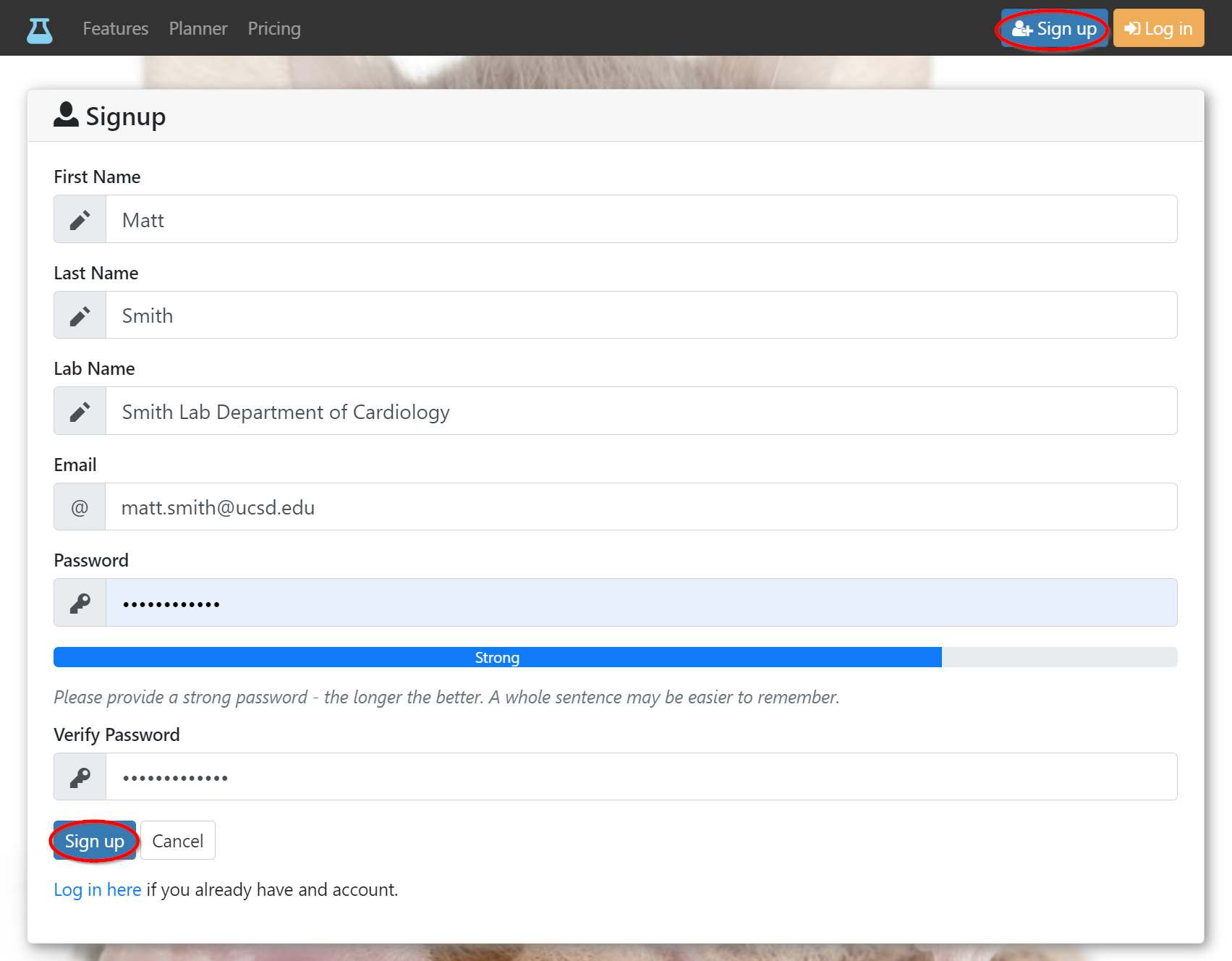
- Click on the
Sign upbutton at the top right or follow this link to open the sign up form in a new browser tab. - Fill out all fields and choose a strong password (see blue strength indicator below).
- Click
Sign upbutton at the bottom of the screen.
- You will see a confirmation screen and receive an email.
tip
Check your spam folder in case you don’t receive the email.

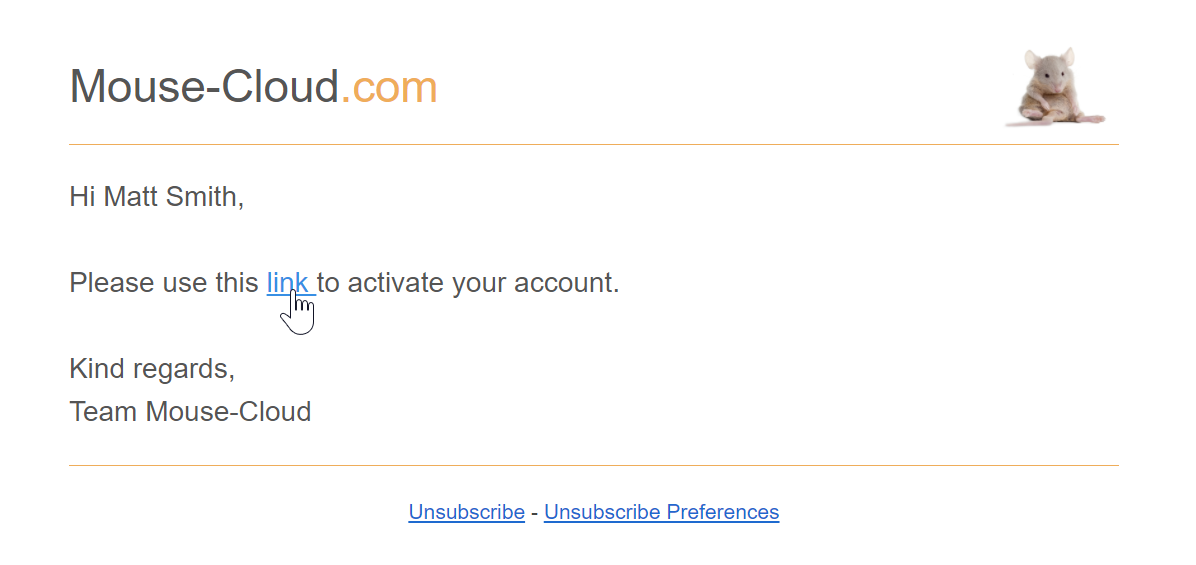
- Click the activation link inside the email.
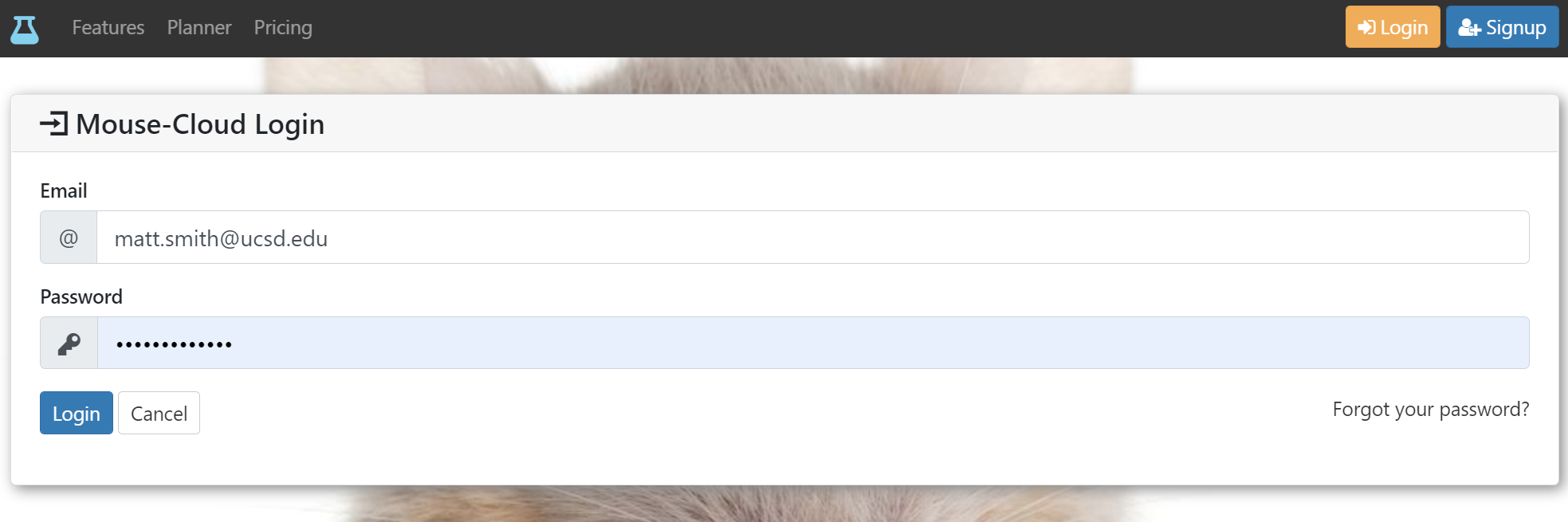
- Click the log in link on the activation confirmation page or the
Log inbutton at the top right.

- Login with your email address and password.
info
Congratulations! You are now ready to enter data and import your colony into Mouse-Cloud.