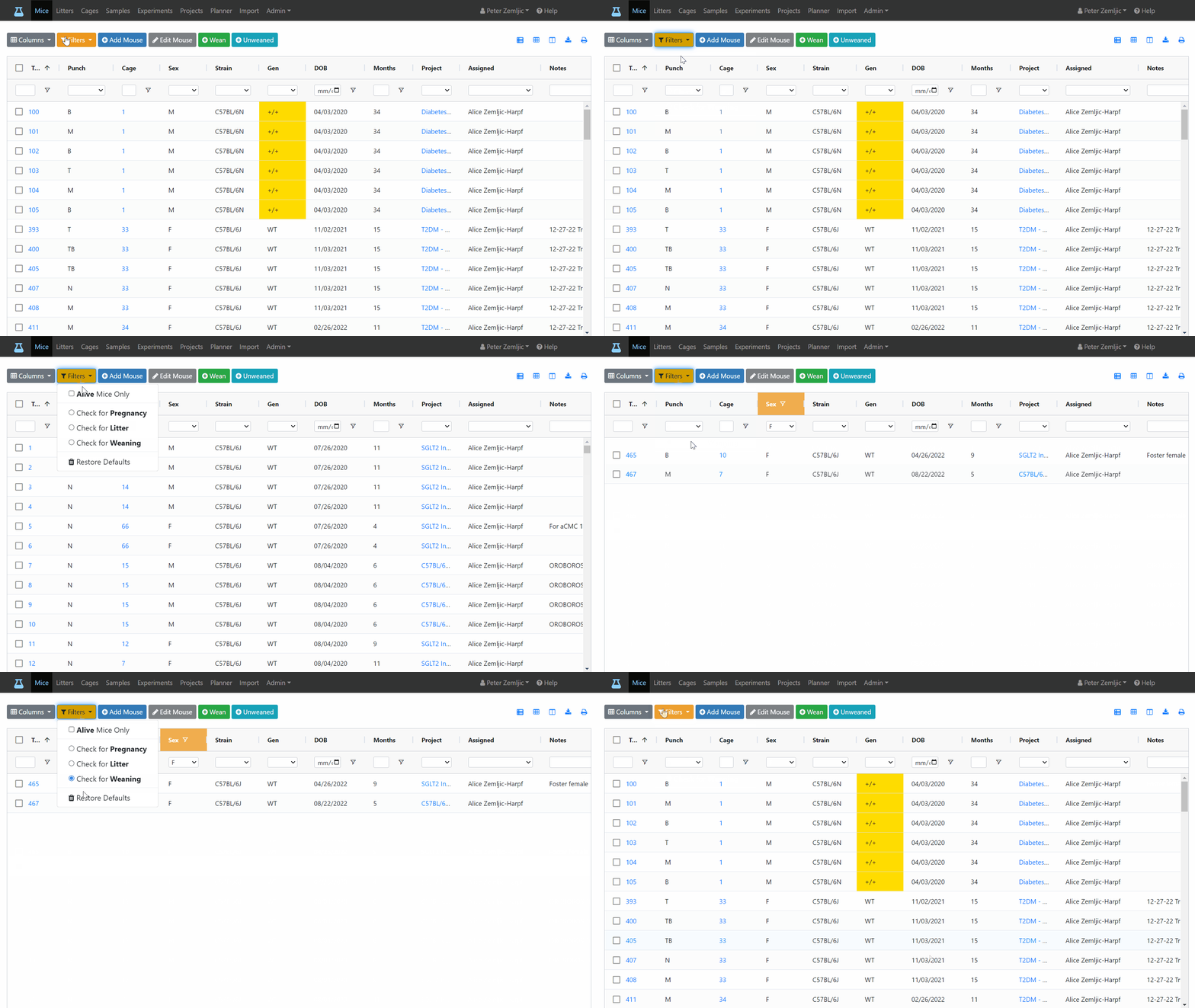
Columns
Choose Columns
The Columns button, lets you choose which columns to display and remembers your choice.
When breeding mice for example, you might be interested in the dates for setup, pregnancy, and weaning. When planning, which mice to use for an experiment, you might only care about age, sex, and strain. There is also a menu entry for restoring the default columns.
Sort Columns
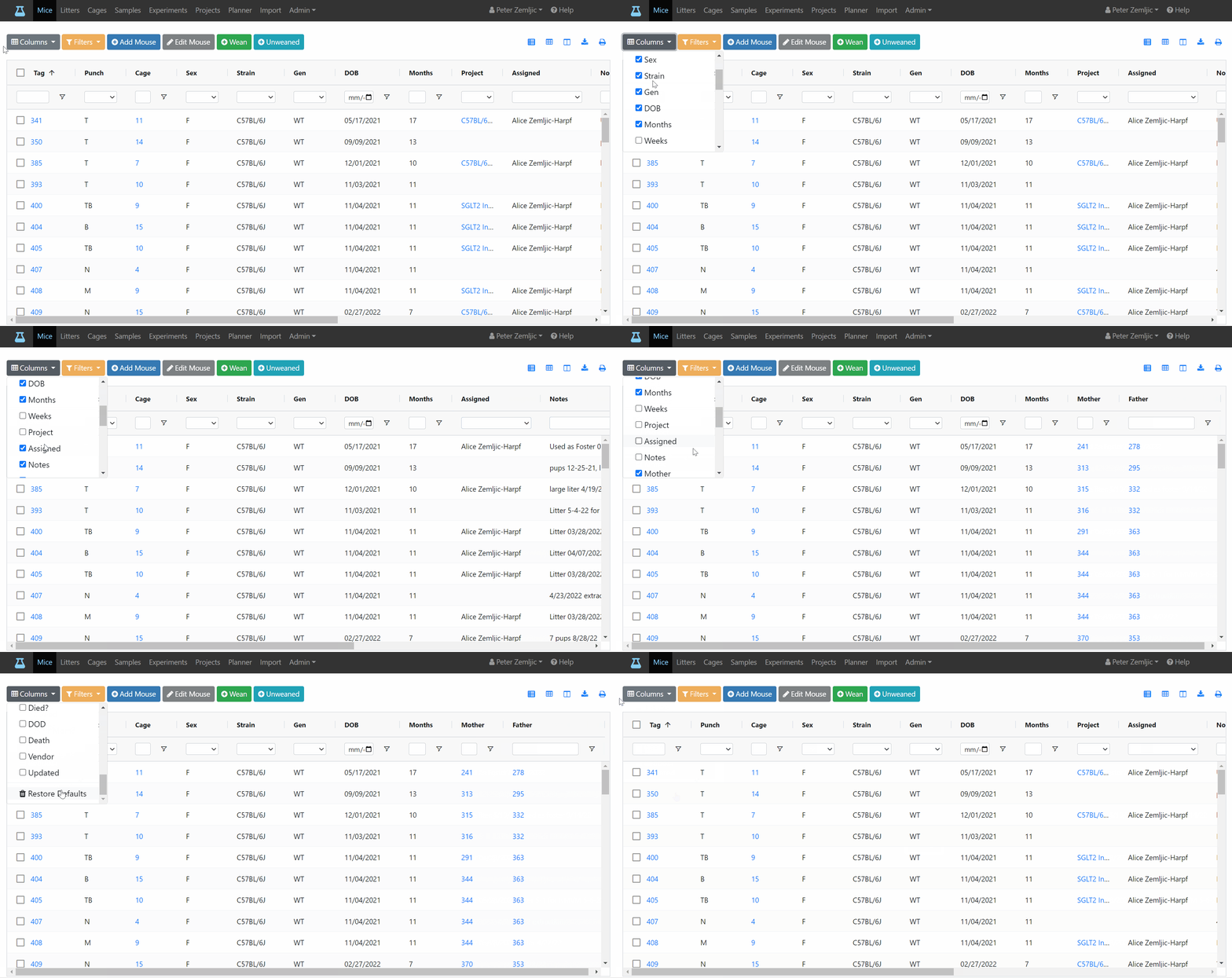
Columns can be sorted by clicking on the columns header. Clicking the same column again changes the order from ascending to descending.

Resize Columns
The default column width depends on the type of content inside a column. If its expected width is known (e.g., for dates and tags) the width is set to match its content. For others (e.g., notes or names), the remaining screen space is divided up amongst them. Columns can be resized by dragging the divider left and right. Some columns have a maximum width. Mouse-Cloud remembers your preferred column width. You can restore the default width by clicking on the Reset columns button at the top right. For the mouse table, this button will also restore the default for which columns are visible vs. hidden.

Move Columns
Drag the most relevant columns to the front.

Column Filters
Column filters can be used to reduce the number of rows displayed. For example, you might want to show only female mice from a certain project born after a certain date for breeding. The filter options depend on the type of fields (e.g., number vs. text or date). Filtered columns are indicated by an orange header background.
Available filter options for a column depend on its values. E.g., if all mice of a certain strain have died, this strain will no longer be available unless dead mice are displayed via the preset filter option (see below).
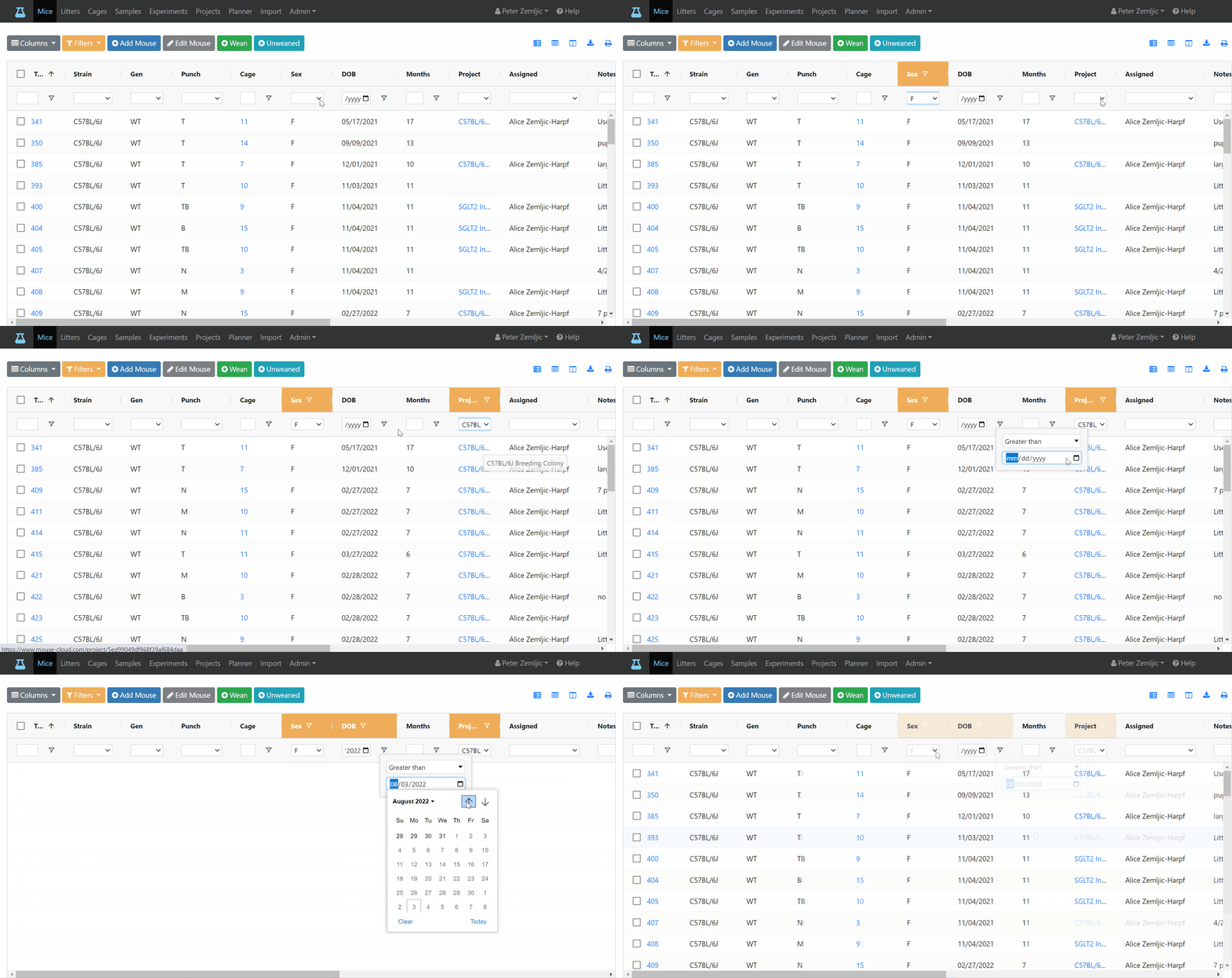
Preset Filters
The Filters button lets you choose from a list of commonly used filters and restore the defaults.
The Alive Mice Only filter is active by default. Uncheck it if you would like to view dead mice as well.
The Check for Pregnancy option for example applies the following filters:
- Female mice
- A set up date more than two weeks ago
- No pregnancy date
If any of the filtered columns are currently hidden, they will be displayed automatically. You might still need to scroll them into view.