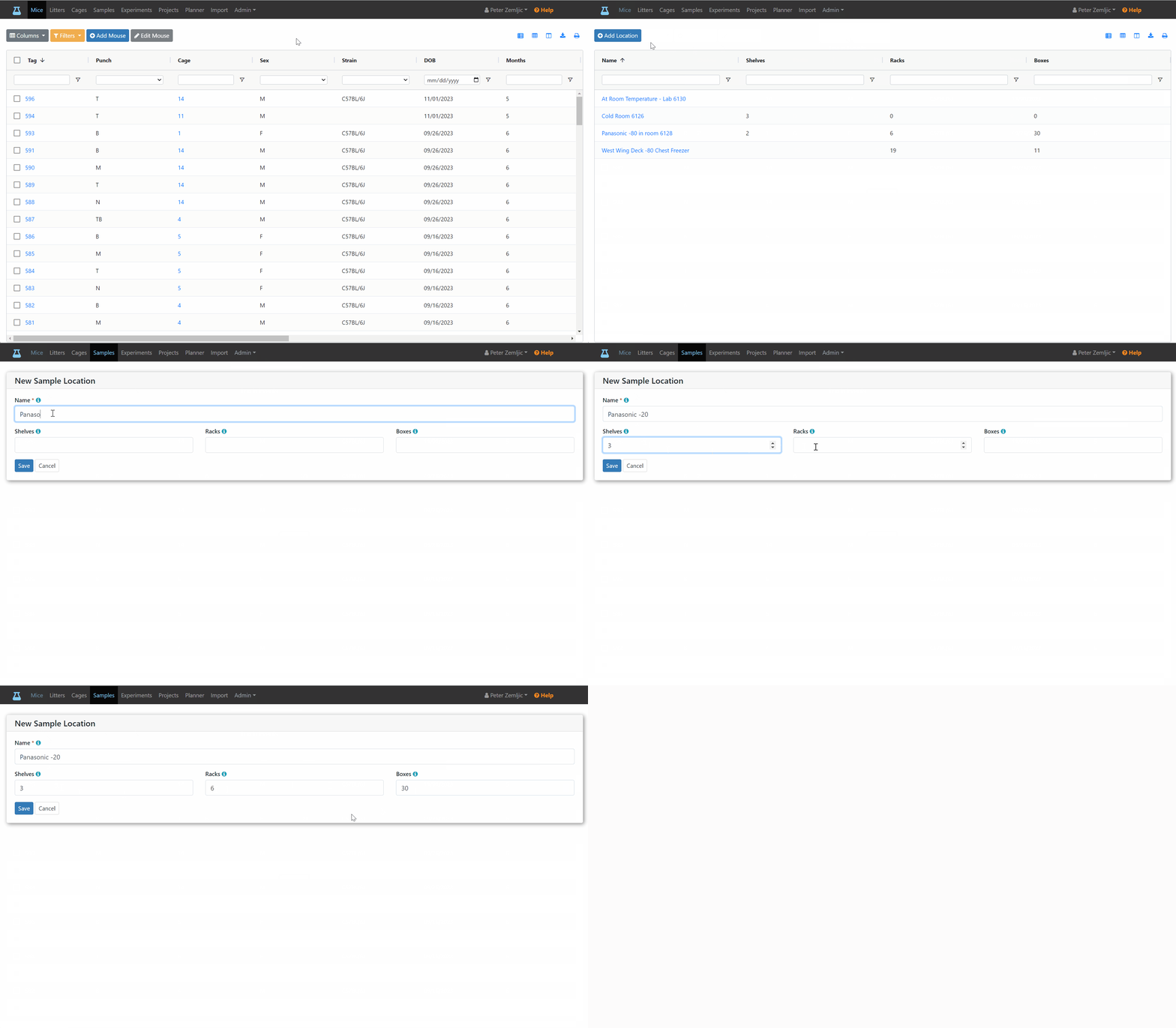
Add Sample Locations
Before adding a sample, you need to add a sample location. This requires your account to have the administrator role assigned to it.
- Click on the
Adminlink at the top. - Click on the
Sample Locationsmenu entry. - Click on the
Add Locationsbutton. - Enter a
Namefor the location (e.g., -80 Freezer). - Fill out the
Shelves,Racks, andBoxesfields if they apply or leave them emtpy.