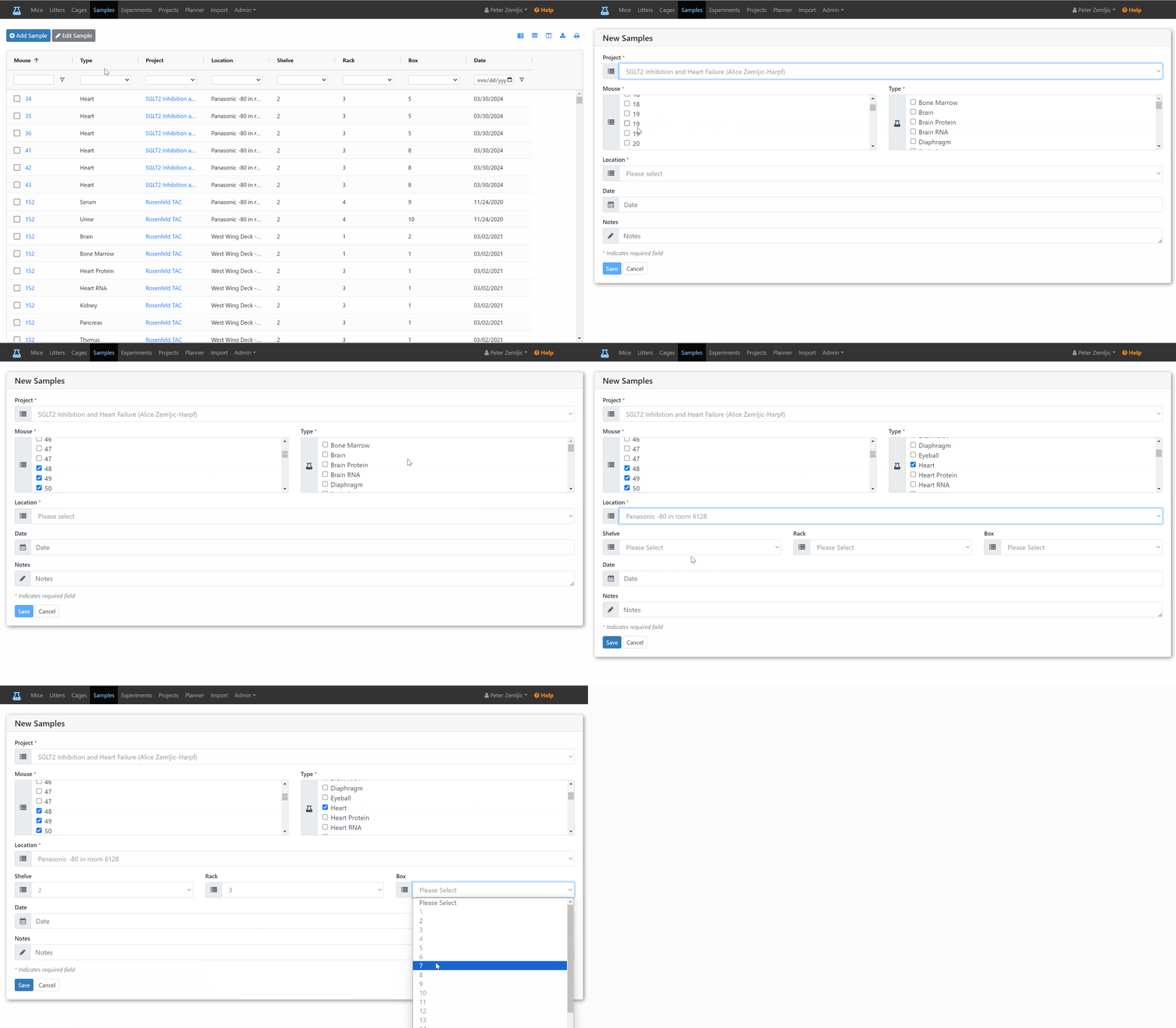
Add Samples
- Click on the
Sampleslink at the top. - Click on the
Add Samplebutton. - Select a
Projectfrom the list (or add one first). - Select a
Locationfrom the list (or add one first). - Enter a
Datein MM/DD/YYYY format or pick one form the calendar. - Enter
Notesas needed.